
How it works
Four steps. All online, all on your time.

Apply
Tell us who you serve and which programs you want to deliver. Every applicant is reviewed against a site certification rubric before an invitation is issued.

Train
Work through the modules in the Academy at your own pace, from anywhere. Each one carries the guides, session plans and materials you will actually use in the room.

Certify
Finish the modules for your programs and the credential is issued automatically. Download it as a PDF with your name, the program and the date on it.

Deliver
Run sessions with the full library behind you, and watch what your students do with it.
What you walk away with
A certificate you can show a funder.
Certified facilitators are authorized to deliver the WealthWise Kids programs they certify in (Financial Foundations™, The $100 Week™, Adventures™, Real-World Pathways™ and PlayLab™), and receive FLIQ Score™ reporting for every cohort they run (an emerging measure, still being validated). The certificate is yours; the report is your funder’s. It is a WealthWise Kids training certificate, not an outside accreditation, and anyone can check one by its number on our verification page.
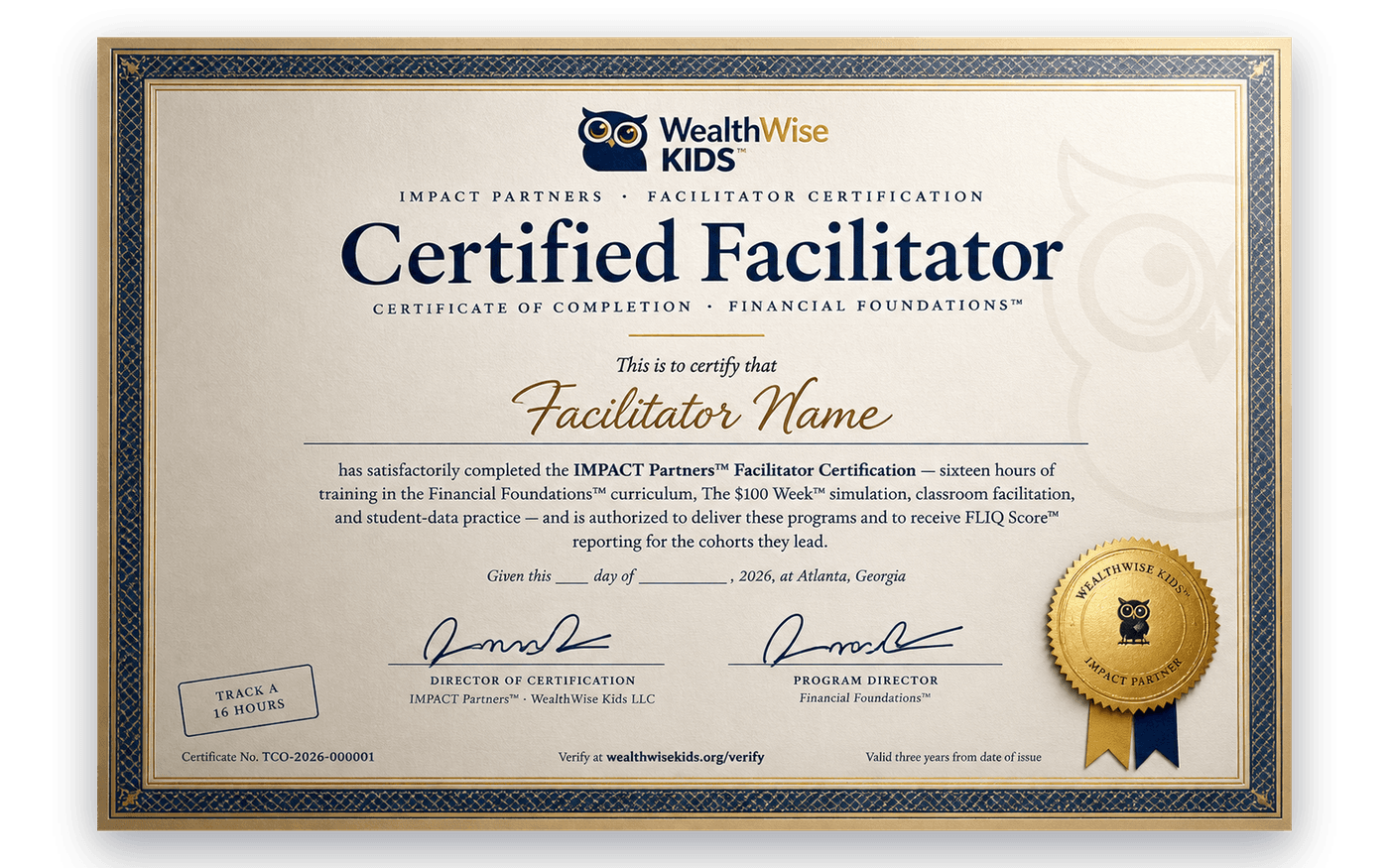
A specimen for this page only. Your name stays on your screen — nothing is sent or saved.

Inside the portal
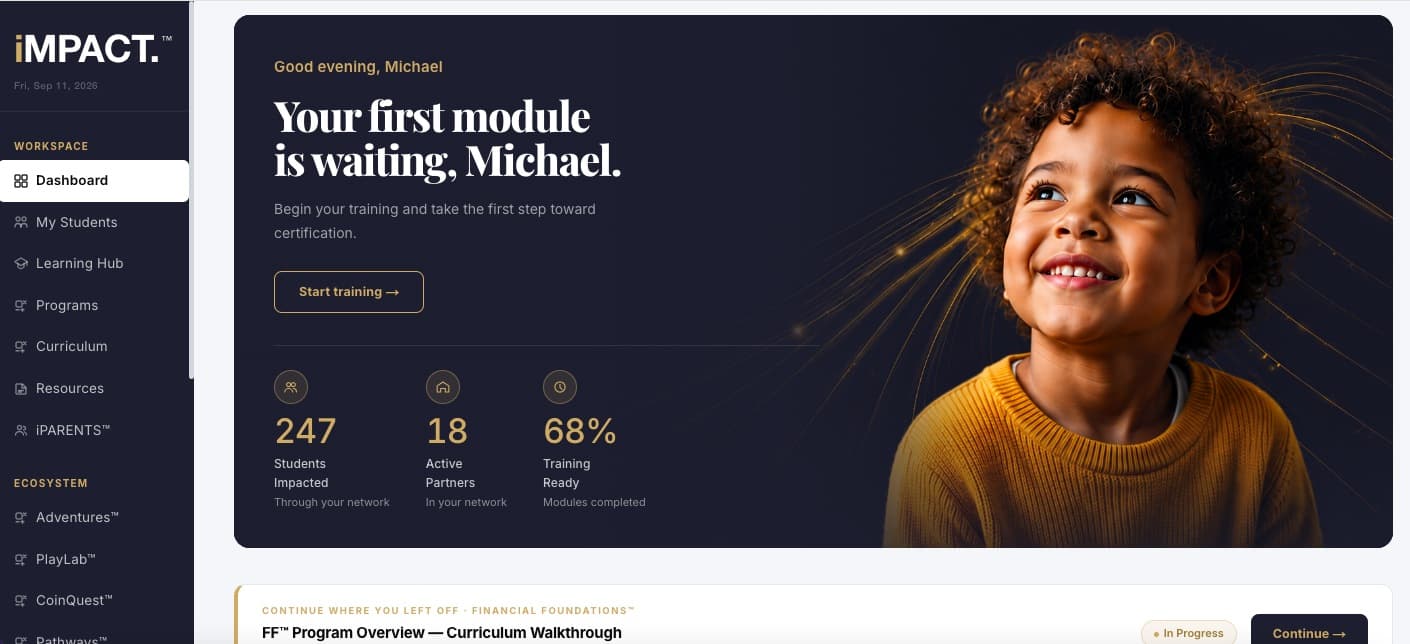
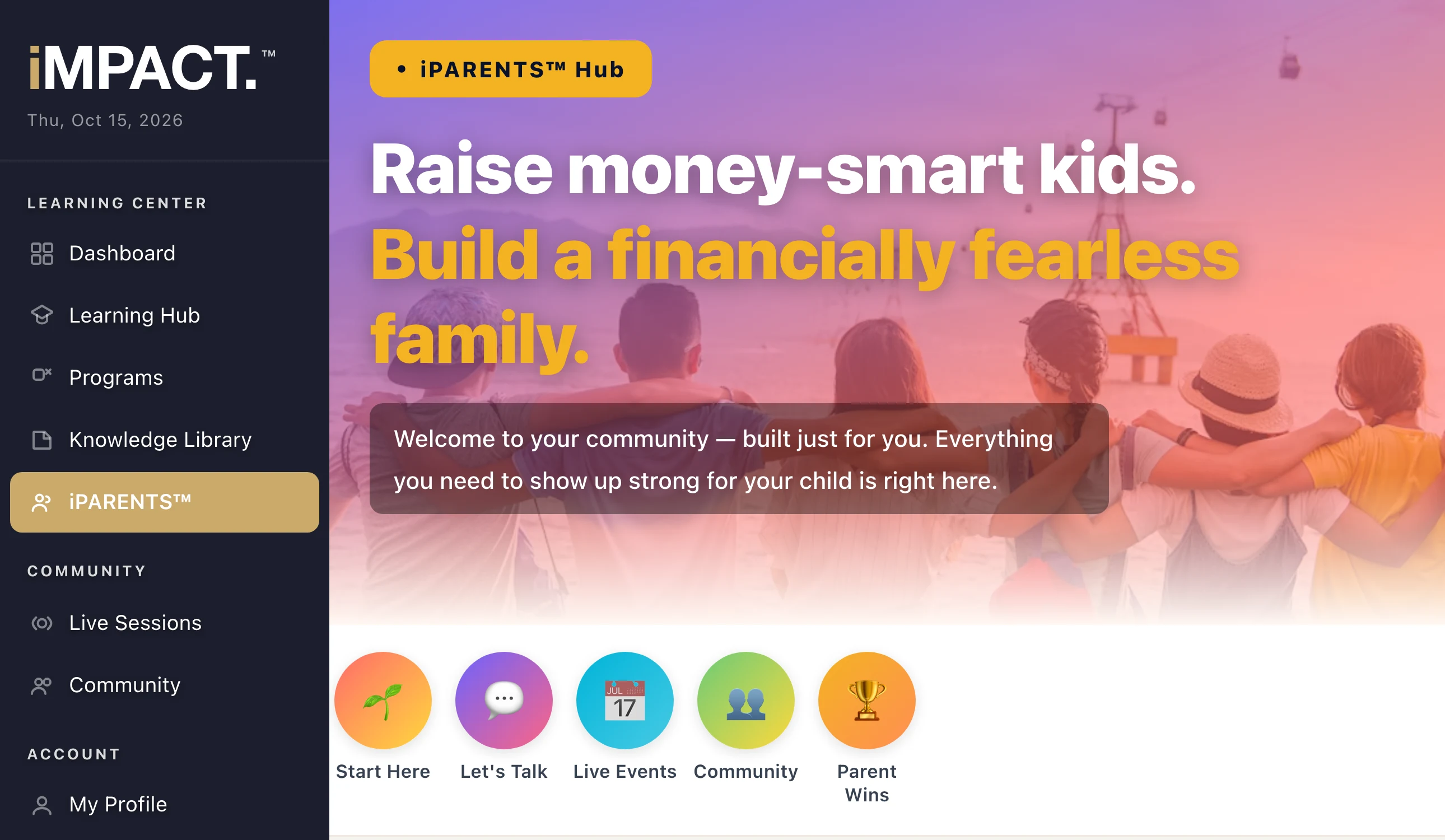
Everything lives in one place.
Training, materials, your cohort and your credential. You are never chasing a PDF someone emailed you eight months ago.
Enter the portal ↗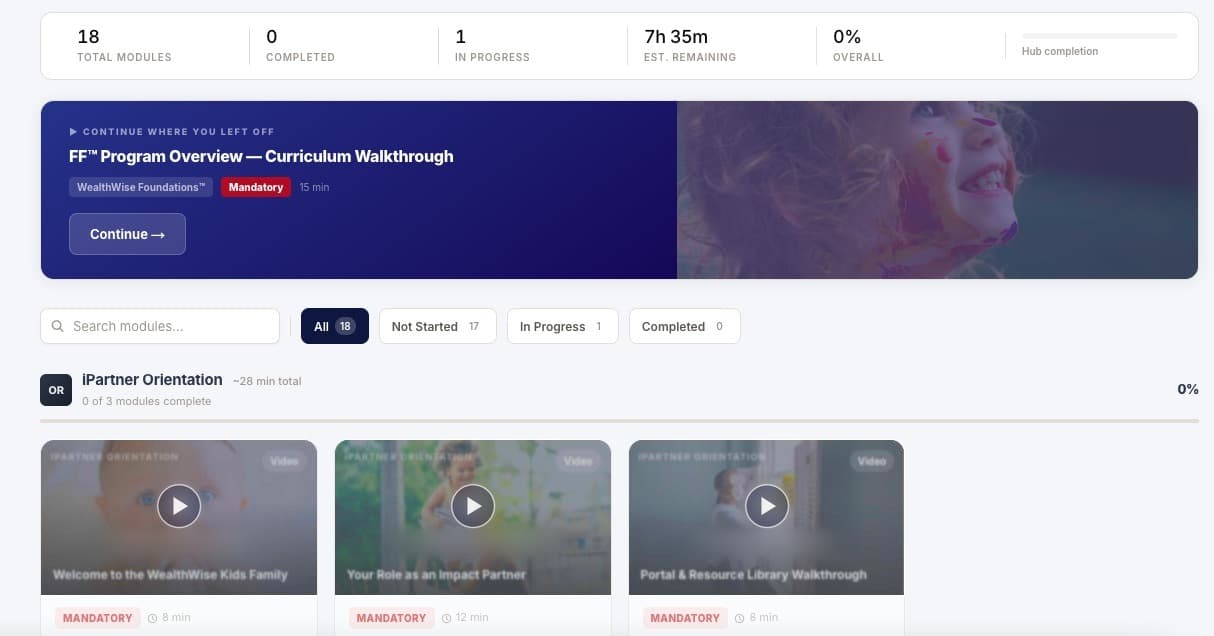

The Academy
Module cards, search and progress tracking. Pick up exactly where you left off.

Resource library
Every guide, session plan, prep packet and family letter for the programs you are certified in.

Live sessions
A calendar of facilitator sessions with the join link on the page.

Your students
A roster with FLIQ Score™ movement (an emerging measure, still being validated) and pathway progress. You see what changed before anyone upstream does.

Cohorts
Run a group together and track the whole cohort rather than one child at a time.

Your credential
A certificate page and a printable PDF you can put in front of a principal or a funder.
Make it yours
Your portal. Your name on the door.
Districts, schools, churches and community organizations can run the portal as their own: your name on it, your colors through it, your people learning inside it. Same training, same resources, same reporting — under your roof.
- Your name and logo. On every page, with “Powered by iMPACT Partners™” underneath.
- Your colors. Set once and carried through every screen your people see.
- Your address. A web address with your name in it, or your own, like learn.yourdistrict.org.
- Your library. A private section for your own training videos and documents, seen only by your people.
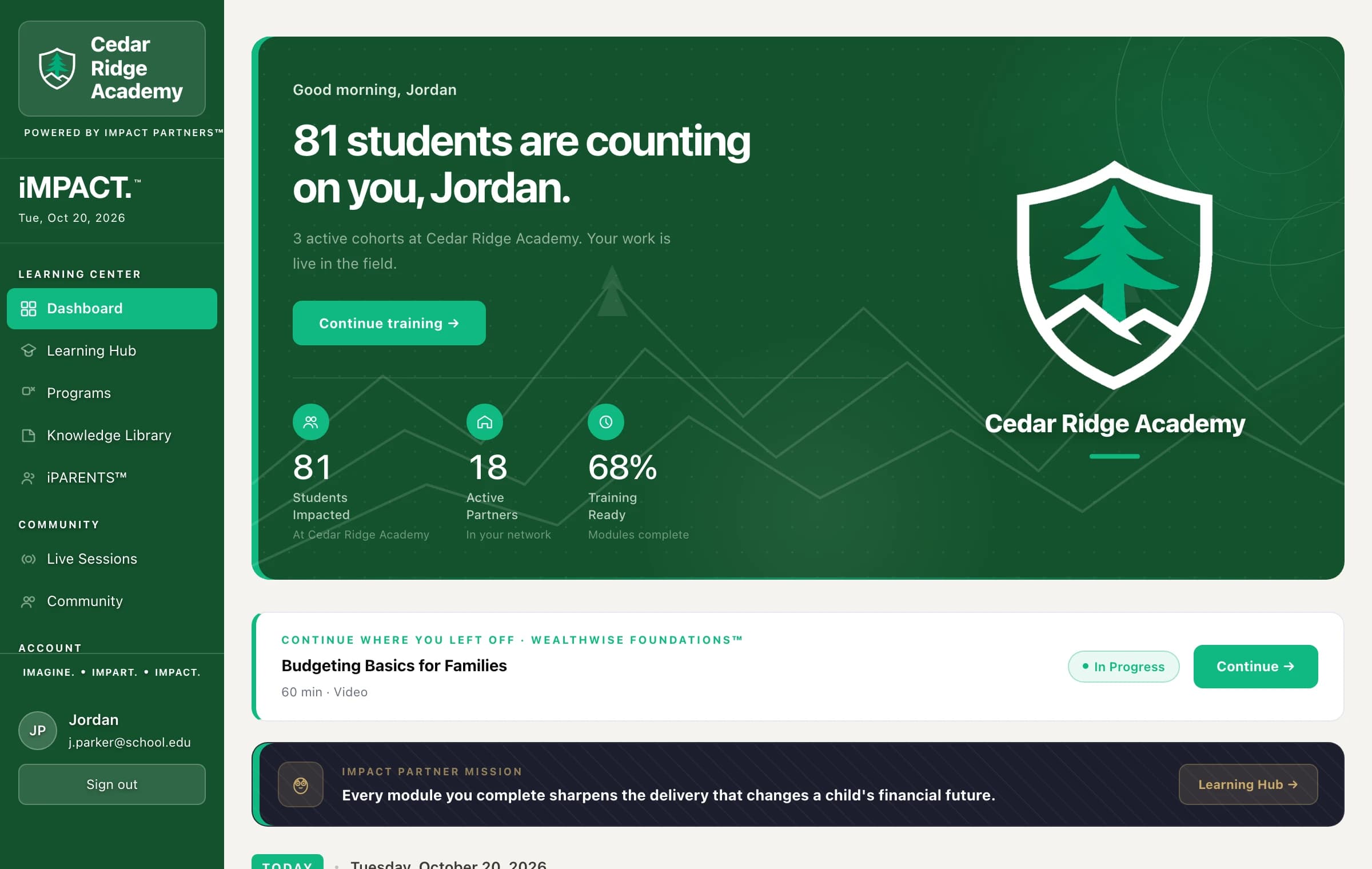
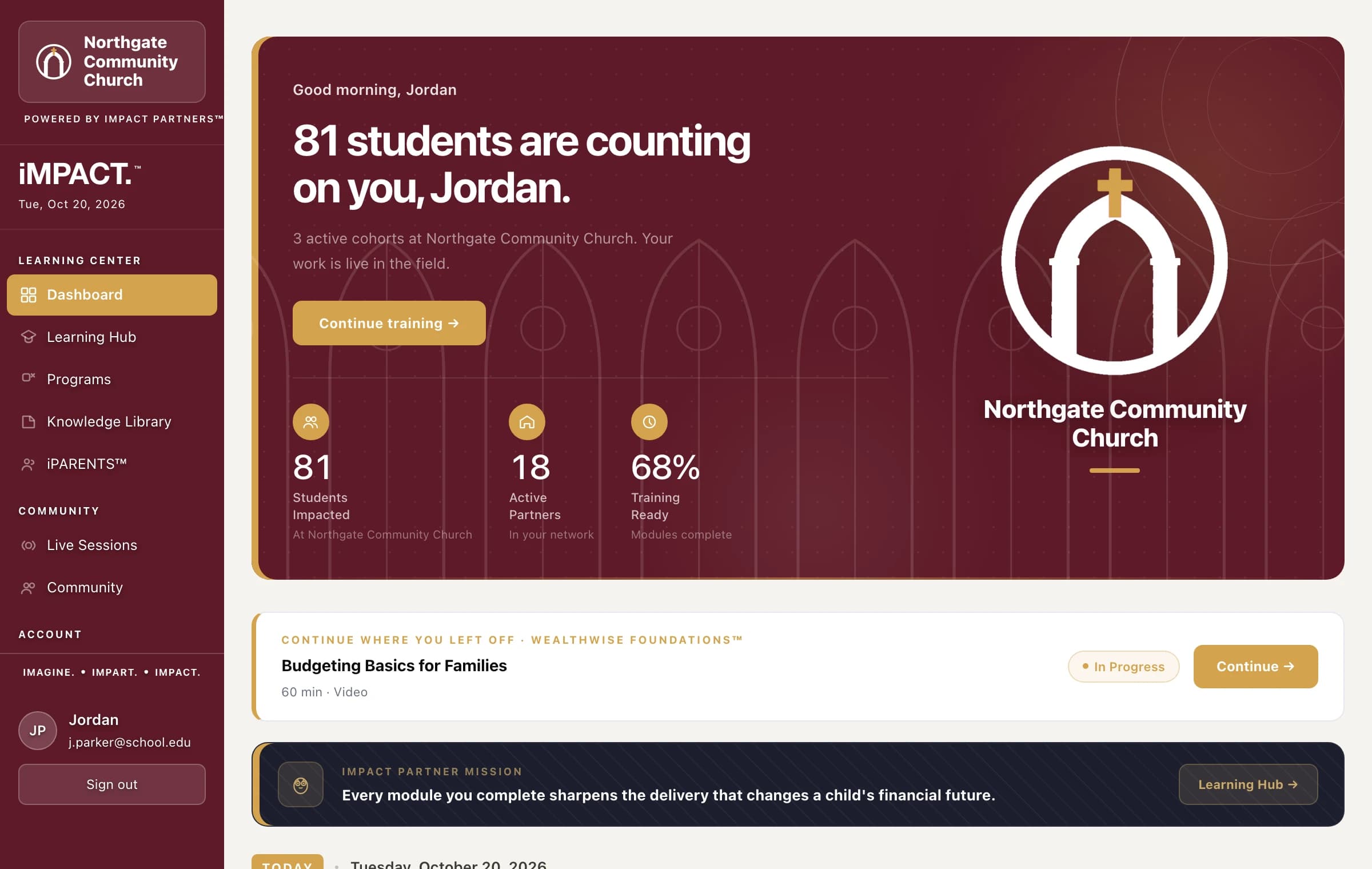
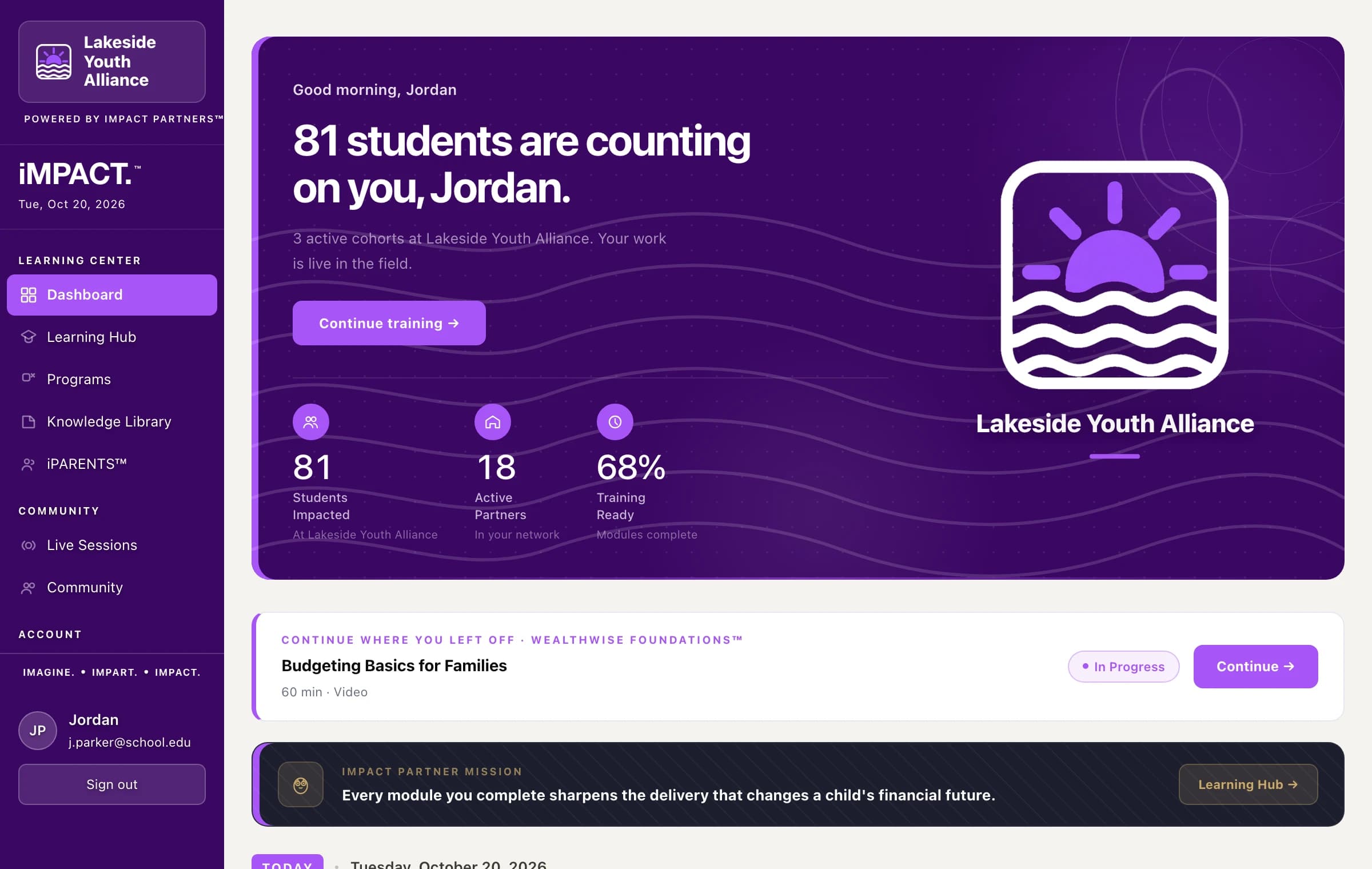
Example organizations shown.

What you can deliver
Certify once, per program.
Certification is program-specific. Train on what you actually intend to run, and add others later without starting over.



Next step
Bring it to the children you already serve.
Tell us who you work with and which programs you want to run. If it is a fit, we will send an invitation to the portal and you can start the same week.